

Cart
0
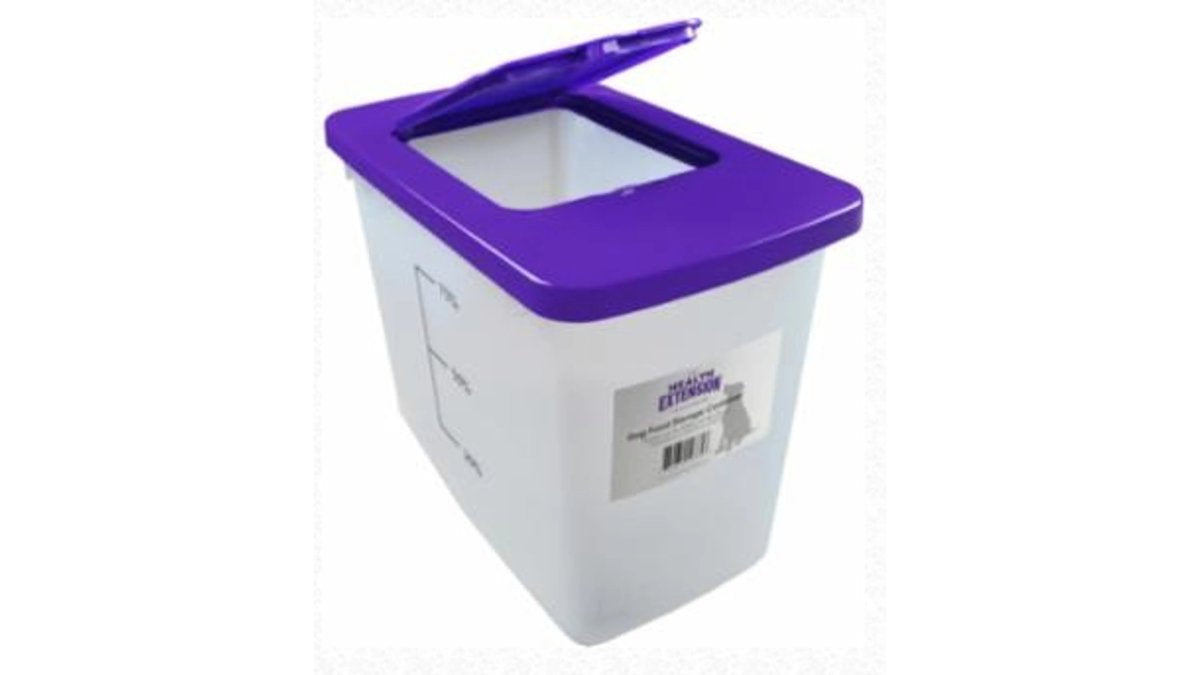
Table of Contents
- What Determines How Long Pet Food Delivery Takes
- Standard vs. Expedited Pet Food Delivery Timelines
- How to Track Pet Supply Orders Step by Step
- Managing Pet Food Subscription Frequency
- Pet Food Autoship Benefits for Busy Pet Parents
- Troubleshooting Delayed or Missing Pet Food Deliveries
- Conclusion
- Frequently Asked Questions
Last Updated: September 26, 2026
What Determines How Long Pet Food Delivery Takes
Most pet food orders arrive in 3 to 7 business days, but that window can stretch or shrink fast. The exact timing depends on a few moving parts. This guide walks through each one so you know what to expect before you click buy.

First, the shipping method matters. Standard ground shipping usually lands in 3 to 7 days. Expedited options can cut that to 1 to 3 days.
Second, product availability plays a role. If an item sits in stock, it ships quickly. If it needs a restock, your order waits.
Third, when you order matters. Orders placed late Friday often sit until Monday.
Here's the key point: pet food delivery timing is not one fixed number. It is a range shaped by choices you control.
A common mistake is assuming checkout speed equals delivery speed. It doesn't. The clock starts when the warehouse hands your box to the carrier.
Standard vs. Expedited Pet Food Delivery Timelines
Standard shipping is the default for most orders, and it's usually free or low cost. Expedited shipping costs more but saves days.
Here's how the two compare:
| Shipping Method | Typical Arrival | Best For | Cost Impact |
|---|---|---|---|
| Standard ground | 3-7 business days | Stock-up orders | Lowest |
| Expedited | 1-3 business days | Running low fast | Higher |
| Autoship standard | 3-7 business days | Recurring orders | Often discounted |
A quick rule: if your pet has enough food for a week, standard shipping works fine. If the bowl is nearly empty, expedited is worth it.
Pro Tip
Order when you still have about a week of food left. That buffer covers normal 3-7 day shipping without forcing you into expensive expedited rates.
How to Track Pet Supply Orders Step by Step
Tracking a pet supply order takes about two minutes once you know where to look. Every order moves through the same basic stages.
- Check your confirmation email. It arrives right after checkout and lists your order number.
- Open your account dashboard. Sign in and find your order history.
- Click the tracking link. This opens the carrier's page with live updates.
- Watch for the shipment notification. It confirms your box left the warehouse.
- Track the delivery window. The carrier shows the expected arrival day.
- Check the doorstep. Carriers often send a "delivered" alert the same day.
If the tracking page hasn't updated in a few days, that's normal during busy seasons. Movement often resumes within 48 hours.
The USPS tracking guide explains what each scan status means if a label looks confusing.
Managing Pet Food Subscription Frequency
Managing pet food subscription frequency comes down to one question: how fast does your pet actually go through a bag? Get that right and autoship mostly runs itself. Get it wrong and you'll either run out of food or build a pantry full of it.
Start by measuring. Track how long your current bag lasts. If a 30-pound bag lasts about six weeks, set your interval to six weeks. Then adjust as needed, most subscription services let you change the shipping interval at any time from your account settings.
Choosing the Right Shipping Interval
Pick an interval that lands your next bag about a week before the current one runs out. That buffer protects you from gaps in the bowl.
- Weekly: for multi-pet homes or fast eaters
- Every 2-4 weeks: for small breeds and cats
- Every 6-8 weeks: for large bags and single pets
- Every 3 months: for treats, toys, and slow-use items
A common mistake is setting the interval too long to "save trips." Then the food runs out early and you're paying for expedited shipping anyway.
The Four Controls You'll Actually Use
Nearly every autoship program gives you the same four levers. Knowing what each one does saves a lot of frustration:
- Change frequency, moves your next delivery sooner or later. Use this when your pet's eating pace shifts, like during a growth spurt or a seasonal appetite change.
- Skip a shipment, cancels just the next order without touching your schedule. Handy when you over-ordered or your pet is working through a backup bag.
- Pause the subscription, stops all future orders until you turn it back on. Best for travel, a food transition, or a temporary budget squeeze.
- Cancel, ends the subscription entirely. You can usually restart later, but your old pricing or discount may not carry over.
Editing the Order Itself
Frequency is only half the picture. You can usually also:
- Swap the flavor, formula, or bag size on a recurring order
- Change the quantity per shipment
- Update the shipping address if you move
- Switch the payment method on file
- Add or remove items from the recurring list
Make these changes before the order enters processing. Once a subscription order is charged and packed, it behaves like any other shipment, you can't edit it, only track it.
Pro Tip
Set a calendar reminder a few days before each expected charge. That's your window to skip, pause, or edit before the order locks in.
Watch Out
Setting your interval longer than your pet's actual consumption rate causes gaps. You'll end up ordering one-off bags at full price, which defeats the point of subscribing.
The Federal Trade Commission's guidance on negative option plans explains the consumer protections that apply to subscription services, including clear disclosure of terms.
Pet Food Autoship Benefits for Busy Pet Parents
Pet food autoship benefits add up fast for anyone with a packed schedule. The biggest win is simple: you stop thinking about reordering.
Here's what recurring delivery gives you:
- Automatic replenishment on your schedule, no reminders needed
- Discounted pricing on many subscription items
- Flexible scheduling you can pause, skip, or change anytime
- Order history in one place for easy reordering
- Shipment notifications so you know when food is coming
For busy professionals, the time saved matters as much as the money.
When Autoship Actually Saves You Money
A subscription can save money when three things line up:
- Your pet eats the food at a steady, predictable rate. A growing puppy or a picky cat with changing tastes is a poor fit for a fixed schedule.
- You'd buy the same product anyway. If you rotate brands or flavors often, a locked-in subscription just creates clutter.
- The discount beats the cost of overstocking. A modest per-bag discount disappears fast if you're storing three extra bags you didn't need.
- Your pet's consumption is unpredictable
- You like to rotate proteins or formulas
- You have limited storage space
- You'd otherwise buy on sale or in bulk at a local store
Pairing Autoship With a Food Transition
You can use your subscription schedule to support a gradual food switch. When you're moving your pet to a new formula, you can set the next delivery to arrive right as you start mixing the old and new food together. That way the new bag shows up when you actually need it, not weeks early or after the old one is gone.
A Quick Storage Note
Autoship works best when you pair it with a storage plan. A durable container keeps a 35-pound bag fresh between deliveries. The Pet Food Container holds up to 35lbs of any pet food, which makes it a practical match for recurring orders.
Key Takeaway
Autoship saves money when your pet's eating pace is steady and you'd buy the same food anyway. If your usage is unpredictable or you like to rotate brands, one-time orders may fit better.
Troubleshooting Delayed or Missing Pet Food Deliveries
Delayed shipments happen, and most resolve within a few days. Knowing the common causes helps you fix them faster.
- Weather delays: storms slow carriers across whole regions
- Backordered items: the product wasn't in stock when you ordered
- Address issues: a missing apartment number stalls delivery
- Payment processing holds: a failed charge pauses the order
- Peak season backups: holidays and sales create carrier logjams
Key Takeaway
Most delayed pet food deliveries trace back to one of five causes: weather, stock, address errors, payment holds, or peak-season volume. Check those first before assuming the worst.
Conclusion
Delivery timing rarely follows a single rule, and that uncertainty is exactly what trips people up. Planning around a 3-7 day window, tracking orders in your account, and setting a smart autoship interval removes most of the guesswork.
Frequently Asked Questions
How long does pet food delivery usually take?
Most pet food delivery orders arrive within 3 to 7 business days with standard shipping. Factors like your location, the shipping method chosen, and product availability all affect the timeline. If you order early in the week and choose a faster shipping option, you can often receive your pet's food in 2 to 3 days. Planning ahead helps you avoid running out between deliveries.
Can I track my pet food delivery in real time?
Yes. Once your order ships, you will receive a shipment notification with a tracking number. You can follow your package through the carrier's website or check your account dashboard for updates. Learning how to track pet supply orders can give you a clear delivery window so you can plan around your schedule.
How far in advance should I order pet food to avoid running out?
A good rule of thumb is to reorder when you have about one to two weeks of food left. If you use a subscription service, set your delivery frequency so a new bag arrives a few days before you expect to run out. For example, if a 35-pound bag of dog food lasts your pet about a month, schedule deliveries every four weeks and adjust as needed. A pet food container like the one from Red Rock Pet Supplies can help you store extra food safely between shipments.
What should I do if my pet food delivery is delayed?
Start by checking the tracking information in your account dashboard for the latest update. Weather, high order volume, or carrier issues can all cause delays. If tracking has not updated in several days, contact the retailer's customer service with your order number. Many companies will reship the order or offer a refund if a package is lost. Keeping a backup supply of food on hand helps you avoid a last-minute scramble.

